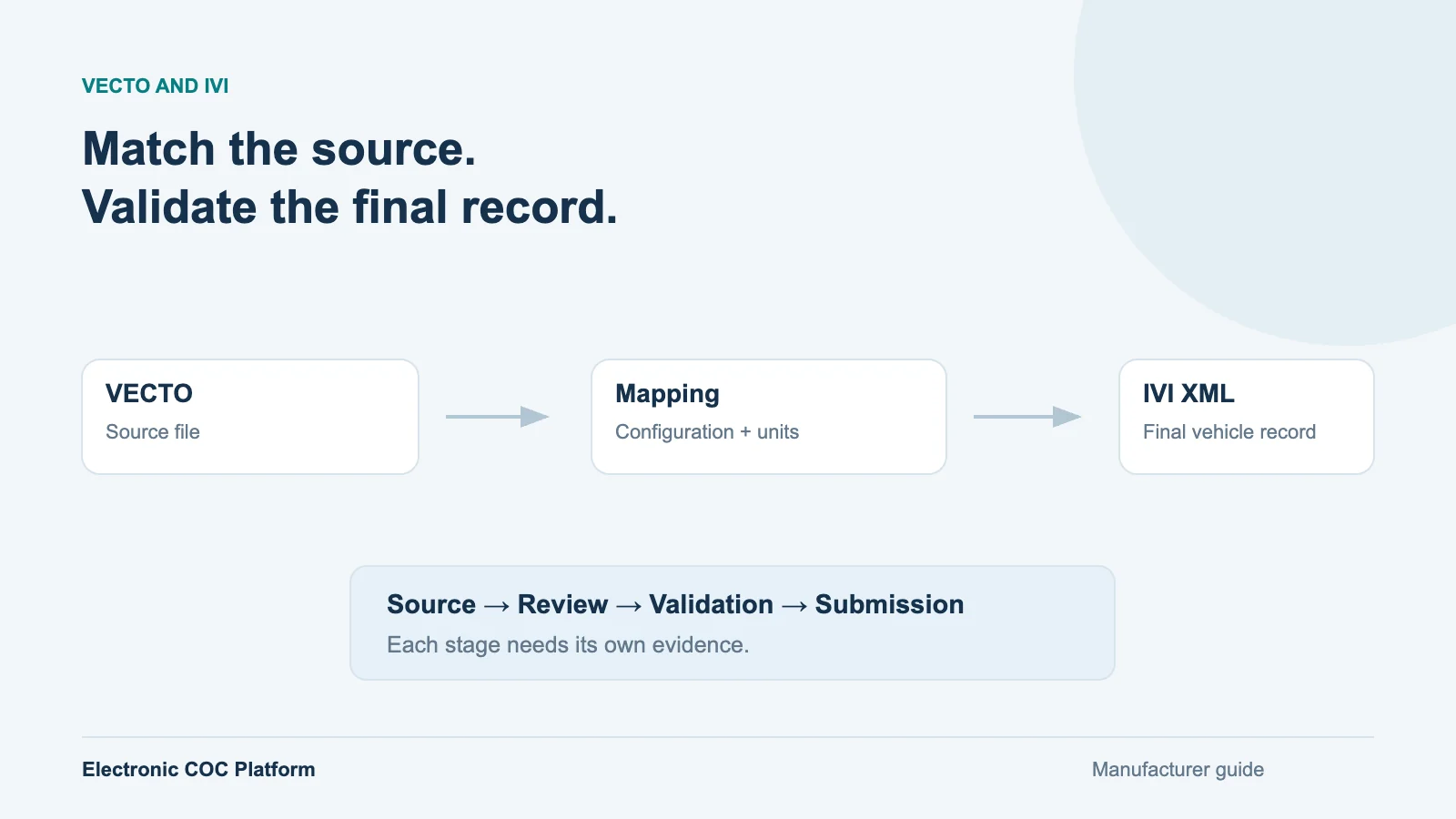
VECTO information can support eCoC preparation where the applicable vehicle and approval context require those values. It is not an eCoC file by itself, and successful import does not establish that the final electronic Certificate of Conformity is correct. Manufacturers need to identify the source, match the vehicle configuration and review the meaning of each transferred value.
This guide is for heavy commercial vehicle manufacturers, bodybuilders and their homologation and IT teams. It explains a controlled import approach rather than prescribing a universal field mapping. The applicable VECTO scope and CoC requirements depend on the vehicle group and legislation. Examples are illustrative, and official sources were checked on 16 October 2026.
Understand what VECTO contributes
The European Commission describes VECTO as a simulation tool for determining CO2 emissions and fuel consumption for relevant heavy-duty vehicle groups. Its calculations use vehicle and component characteristics. This is a different purpose from an IVI message, which structures the vehicle information used in electronic conformity exchange.
Do not infer VECTO obligations from an eCoC obligation alone. A vehicle may need an electronic CoC without belonging to the same VECTO scope as another category or configuration. For relevant heavy-duty vehicles, review Regulation 2017/2400 and its applicable amendments, together with the approval documents and required CoC entries. Trailer and bus applications also need their own scope check.
Identify the actual source file before designing an import
Ask what the manufacturer receives or generates: structured output, a customer information document, a supporting PDF, a component file or a mixed package. A file being associated with VECTO does not tell you that it contains the final values needed for the vehicle's eCoC. Record its purpose, producing system, version, date and relationship to the approved configuration.
Keep the source unchanged. If a PDF is used for extraction, preserve the original alongside the extracted values. If structured XML is available, retain its schema or format reference. Avoid choosing an import specification from one attractive sample: compare several source versions and vehicle configurations before deciding which structures are stable enough to automate.
Match the source to the right vehicle and stage
Establish whether the source describes an individual vehicle, a representative configuration or another defined approval context. Then check the association with the vehicle being issued, using the available configuration identifiers and documented linkage. A matching model name is insufficient if axle arrangement, mass, body configuration or another relevant characteristic differs.
For multi-stage production, identify what was supplied by the base manufacturer and what changed during completion. Do not carry an earlier-stage value into the final record merely because it was present in the import file. The manufacturer must establish its applicability to the stage and declared configuration. The multi-stage approval checklist helps organise that evidence.
Map meanings, units and evidence
VECTO import review for eCoC preparation| Review area | Question to resolve | Evidence to keep |
|---|
| Source purpose | Is this the output or supporting document required for this use? | Original file and documented role |
| Vehicle association | Does the file apply to the declared configuration and stage? | Configuration match and approval linkage |
| Field meaning | Does the value represent the same quantity as the target CoC item? | Mapping definition and applicable documentation |
| Units and precision | Is conversion, scale or rounding required? | Explicit transformation and comparison result |
| Version and review | Which source and mapping revisions produced this record? | Version references, reviewer and decision |
The table is a review model, not an IVI element specification. Use the applicable CoC format and IVI documentation to select the actual destination field. A familiar label can conceal a different quantity, reference condition or unit. Preserve the source value and any conversion before the final value is approved for use.
For example, two values labelled “CO2” may refer to different contexts. The operator should be able to see the source label, unit and intended destination together, then approve the mapping on technical grounds. A larger number of automatically populated fields is not evidence of a better import if those relationships remain unclear.
Apply different controls to XML and PDF sources
Structured sources allow repeatable parsing, but successful parsing proves only that the input could be read. A changed source revision, namespace or value meaning may still make the old mapping unsuitable. Detect unexpected structures, show unmapped information and stop affected transfers for review rather than silently accepting a partial result.
PDF extraction adds layout risk. Labels, table positions, decimal separators and line breaks can change even when the document looks similar. Present extracted values beside the relevant source reference. Where the extraction is ambiguous, require confirmation or correction instead of concealing uncertainty. Supported source formats should be demonstrated with the manufacturer's own sanitised examples.
Example: a changed heavy-vehicle configuration
Consider an illustrative vehicle family where the source package applies to a particular axle and body configuration. Production selects a different approved configuration for the next vehicle. An importer that matches only the family name could transfer values from the earlier configuration without raising an obvious file-format error.
A better review flags the configuration mismatch before generation. The technical owner establishes which source applies, confirms the relevant values and records the decision. The team then regenerates the candidate eCoC, repeats affected checks and signs the reviewed output. This example shows why vehicle association belongs before automatic field population.
Validate the final eCoC, then manage delivery
Review the complete vehicle record after import. Check its approval references and relevant technical relationships, then validate the generated IVI XML against the recipient's applicable requirements. EUCARIS explains the IVI exchange framework; it does not turn an upstream VECTO import into receiving-authority acceptance.
Signing and submission follow their own controls. Retain the source reference, mapping revision, review decision, signed output and receiving response with the vehicle. If a source or mapping changes after approval, assess the affected records before reissuing them. The rejected-submission guide explains how to keep a data correction distinct from a technical retry.
Scope an import project around representative files
Bring examples of the source formats you actually use, including a changed revision and a configuration that should not match. Ask for a demonstration of extraction, field review, exception handling and final XML validation. Agree which values can be transferred automatically and which require a technical decision. Manufacturer-specific import work should be explicit in the implementation scope.
Electronic COC Platform can include VECTO import work within a manufacturer-specific implementation. The supported file structures and mapping are agreed from source samples, while eCoC generation, validation, signing and configured delivery remain part of the wider workflow. The existing-data guide helps decide how this import relates to your ERP and current production records.